
Monitor program health
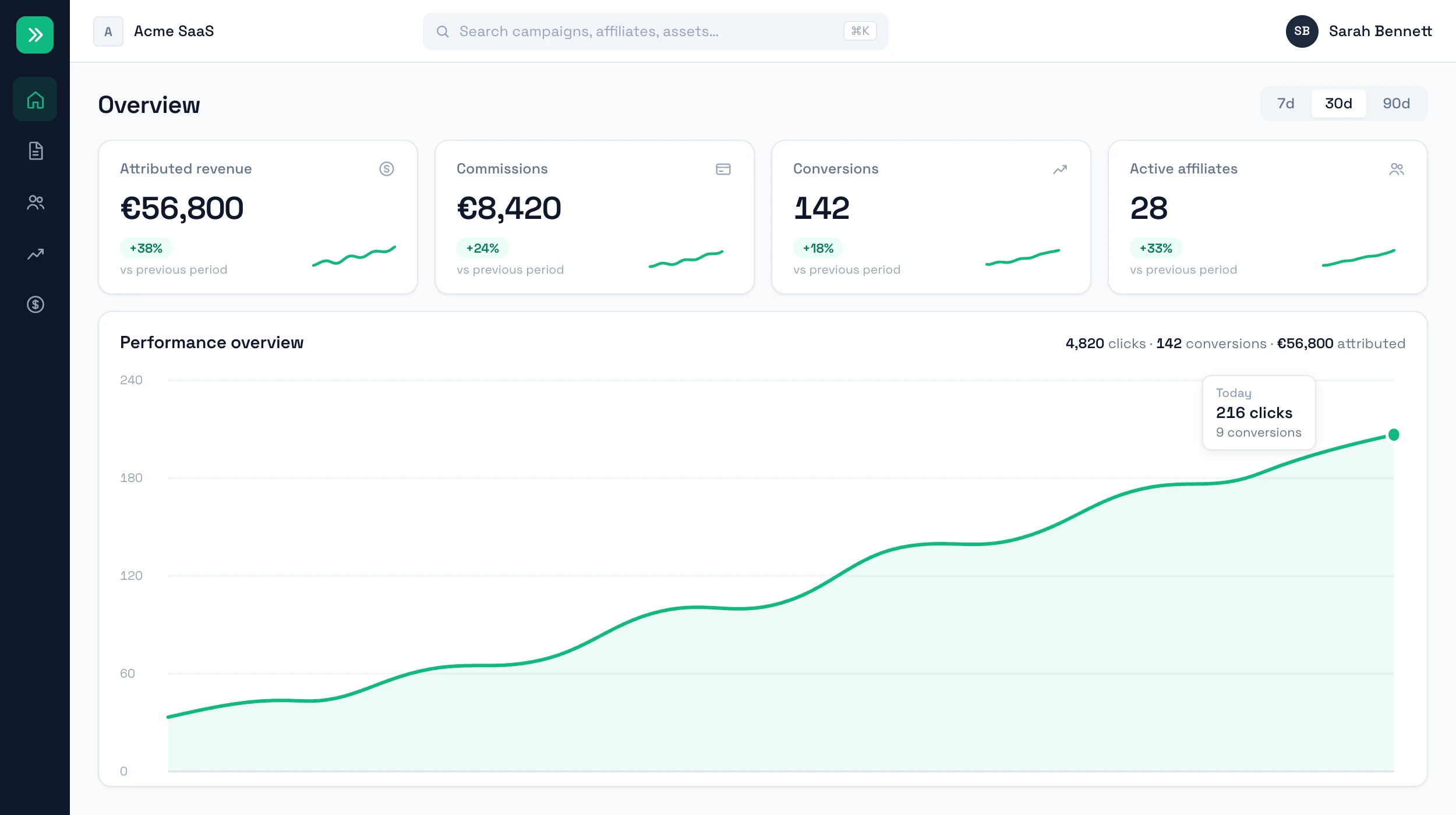
Review total conversions, revenue and commissions across campaigns.
Affiliate analytics
Track clicks, conversions, commission amounts and top performers from one dashboard instead of exporting reports every week.
Workflow
A partner can send clicks without creating revenue. RefCampaign keeps campaign performance tied to conversions and commission economics.
Review total conversions, revenue and commissions across campaigns.
Identify top performers by clicks, conversions and commission value.
Use the data to refine commission rates, campaigns and affiliate focus.
What you get
Product view
The dashboard is designed for scanning performance, comparing campaigns and reviewing commission impact.
FAQ
Core views include clicks, conversions, conversion rate, commission totals, campaign performance and affiliate performance.
Yes. Affiliates have their own portal with clicks, conversions, commissions and campaign performance.
For Stripe-connected programs, paid conversion data is tied to the revenue events used for attribution and commissions.
Create your program, connect Stripe, and give affiliates the links and dashboard they need.